Deck-Max
Brochures & Datasheets
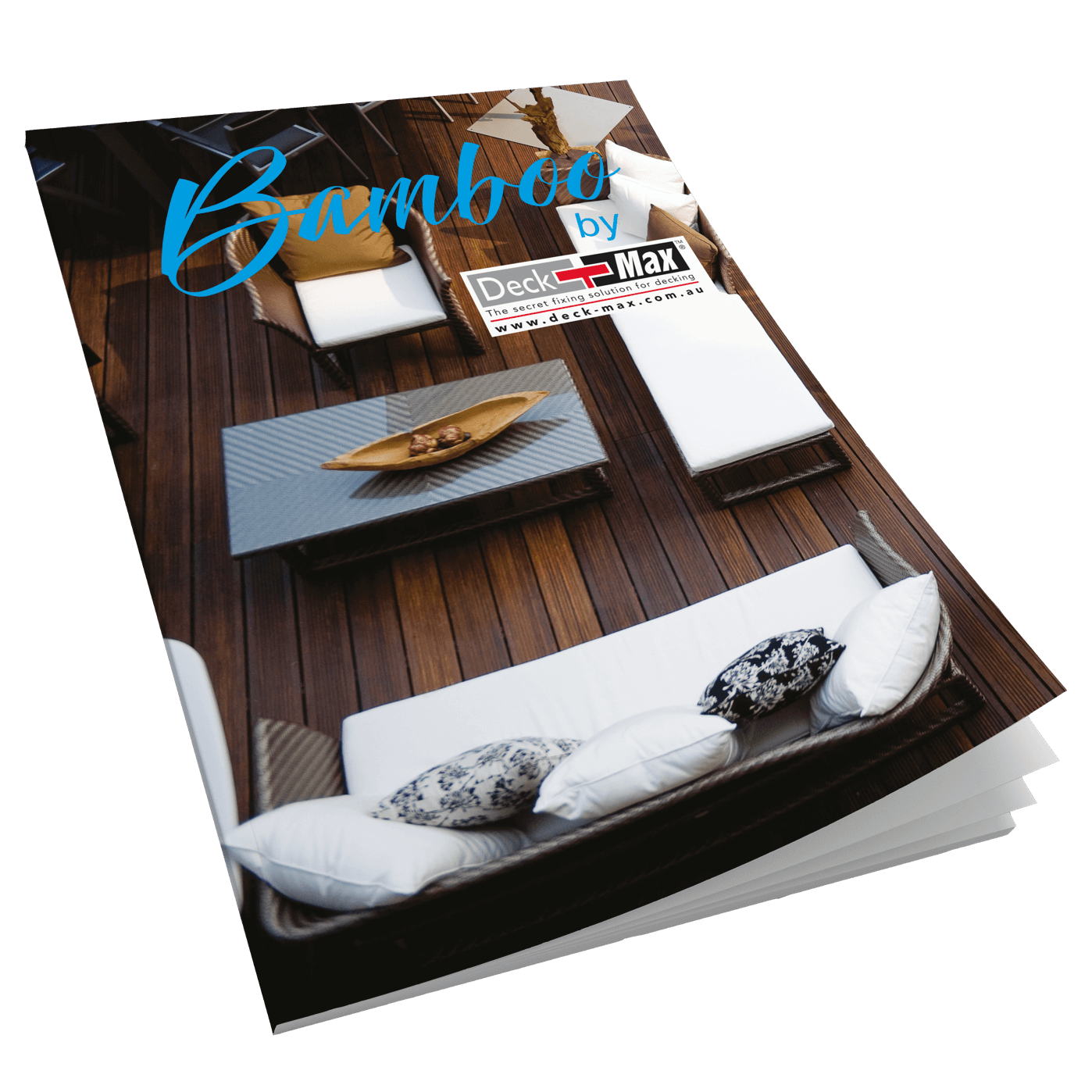
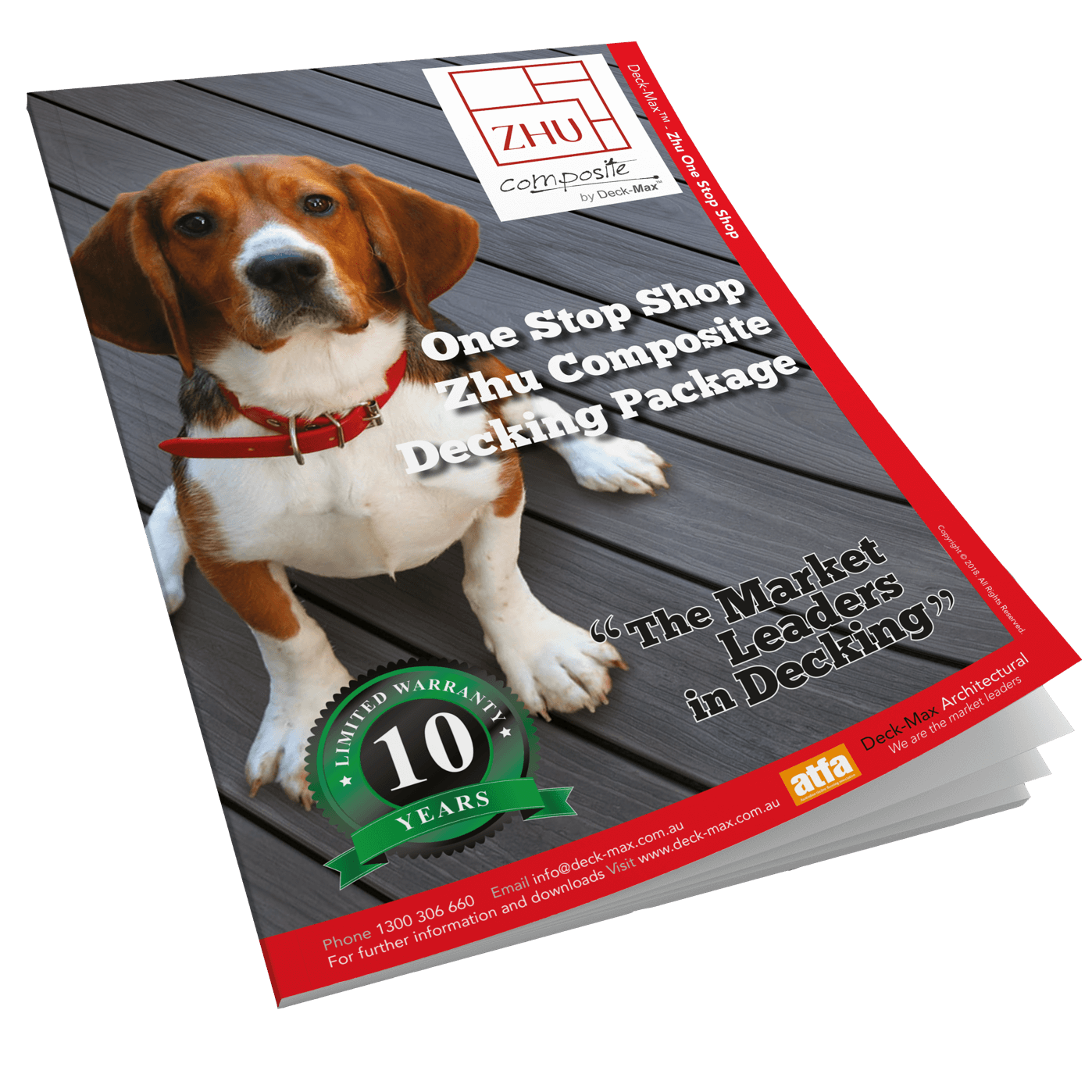
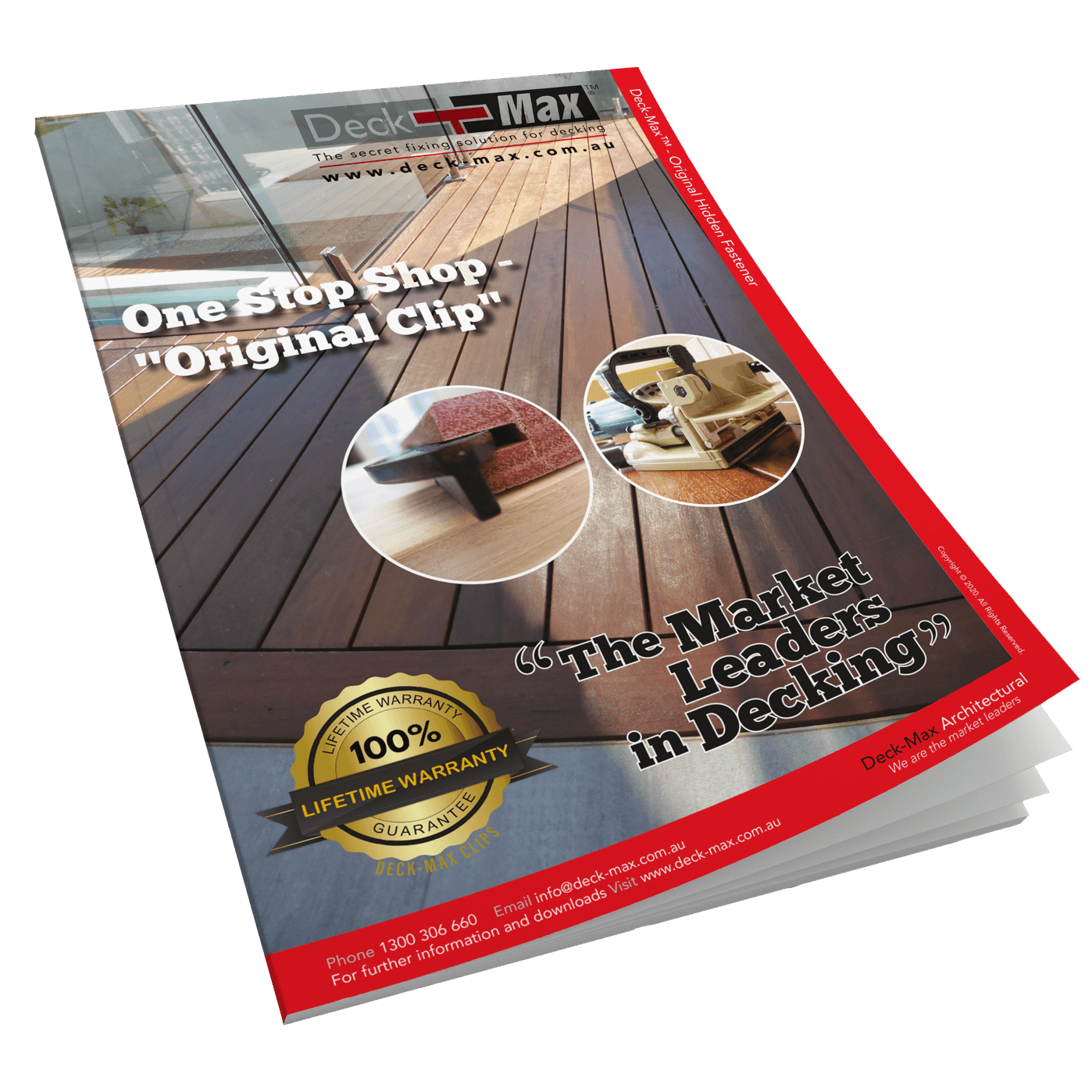
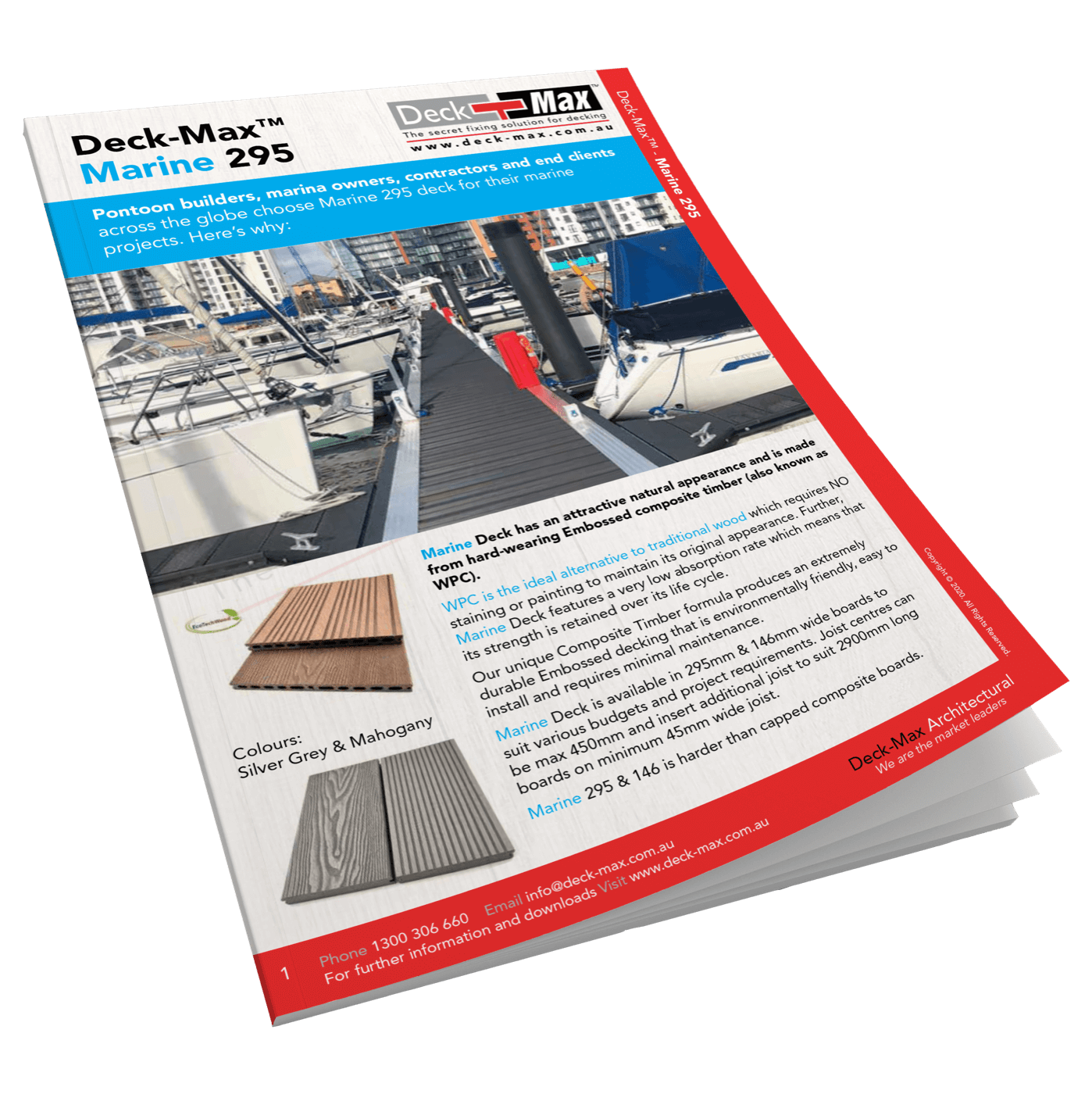
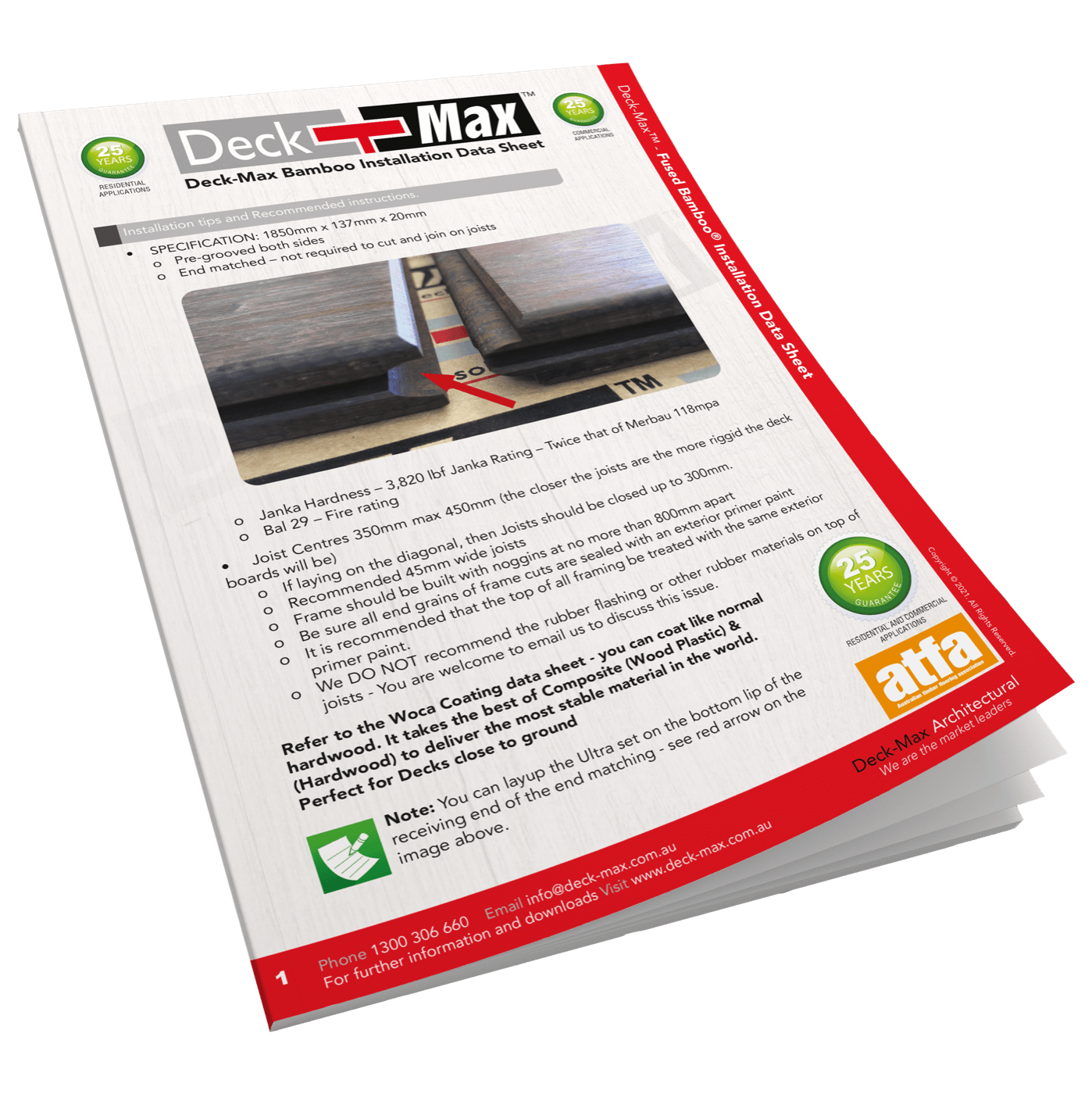
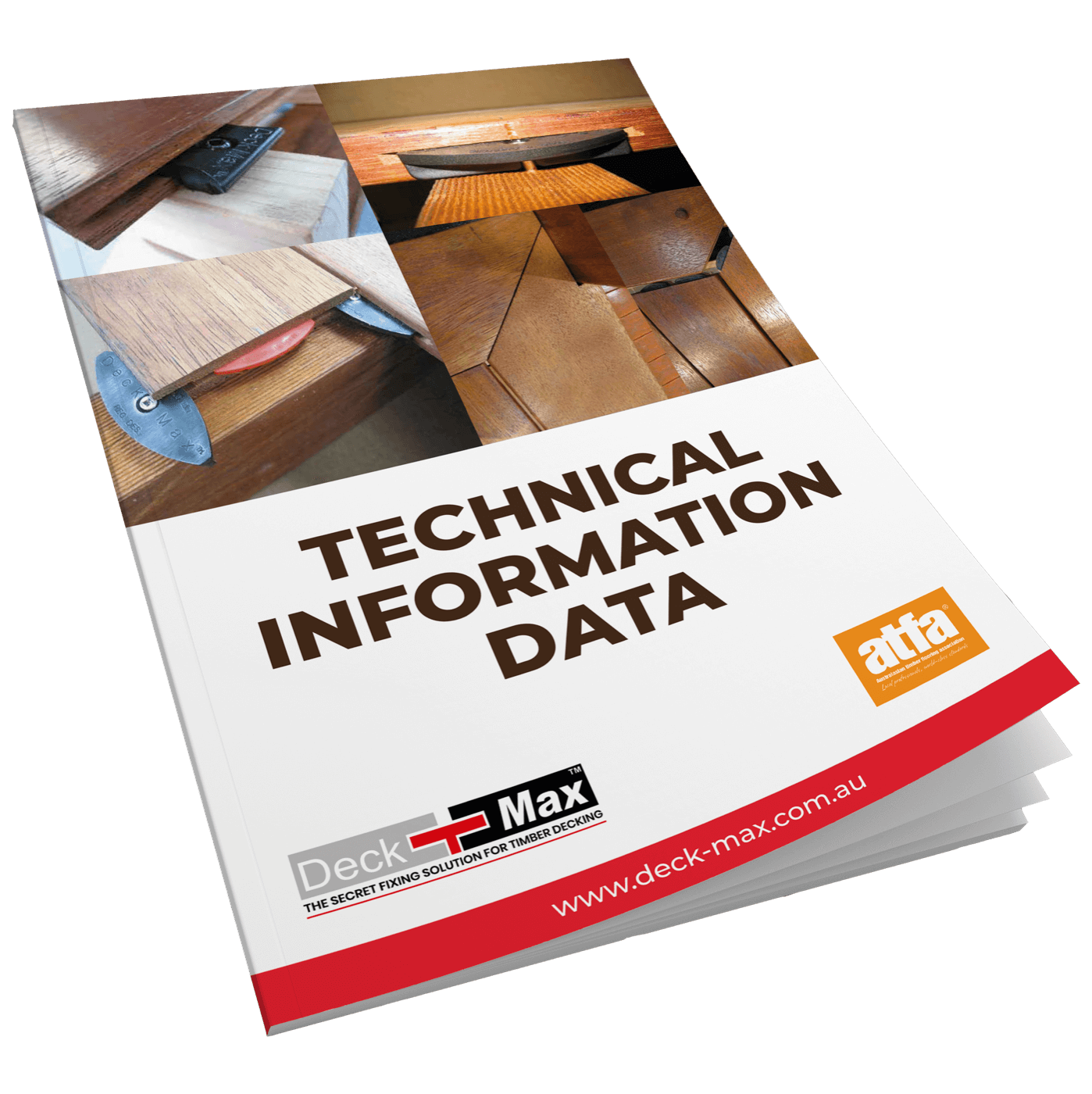
DECK-MAX brochures & datasheets provide you the best technical information and education.

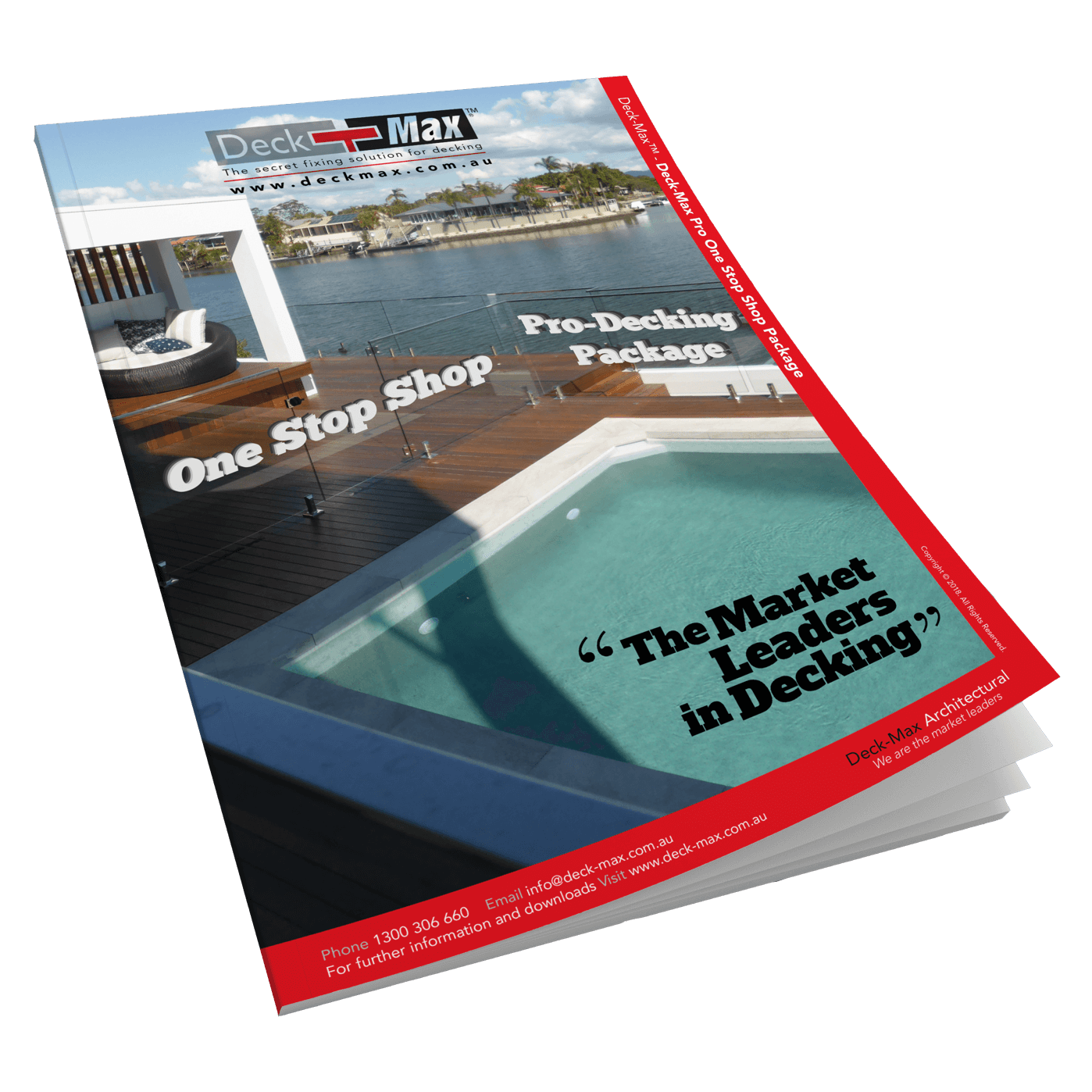

Deck-Max Datasheets
best technical information and education
As a member of the Australian Timber Flooring Association (ATFA), we are seen as the technical experts and feel it is our responsibility to provide this education so your investment is secure and protected. Most importantly you can see a clear understanding of the issues to carefully consider before starting your project.
Contact our
Decking Specialists Today!
Stunning Decks With Deck-Max Products
Call Us (07) 2115 7823
Or, Contact us via the form